Google Vids turns Docs, PDFs and Word files into AI video summaries
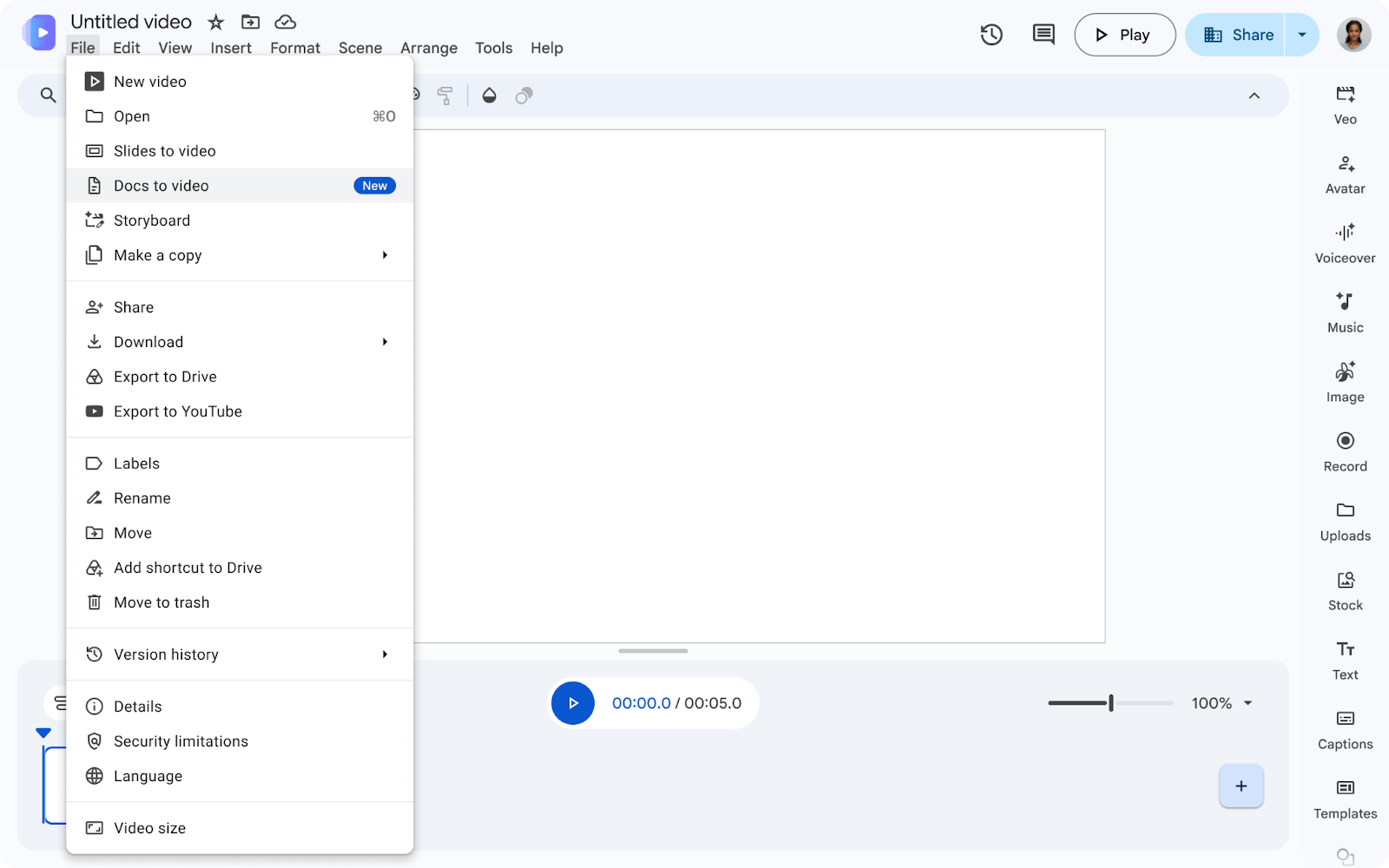
Google has added a new way to create video summaries in Google Vids. The feature can use a Google Doc, a PDF or a Microsoft Word file as the starting point and turn that static material into a short video. Google says its AI generates a script and narration and adds custom visuals to bring the document’s main ideas into a more dynamic format. The announcement appeared on the official Google Workspace Updates blog on September 2, 2026.
The change is aimed at people who need to absorb information quickly. Google specifically points to training material, meeting notes, documentation and reports as examples. Instead of reading a long document from beginning to end, a user can ask Vids to create a concise visual explanation. The source material still determines what the video is about, but the generated script, voiceover and visuals introduce an interpretation layer that users should review before sharing.
The feature is available without a new administrator control or an end-user setting. On Rapid Release domains, Google lists it as available now. For Scheduled Release domains, visibility starts gradually on September 5 and can take up to 15 days. The announcement lists Business Starter, Standard and Plus; Enterprise Starter, Standard and Plus; Education Plus; Google AI Plus, Pro and Ultra; Nonprofits; and the Google AI Pro for Education and Teaching and Learning add-ons as eligible editions.
For AI users and makers, this update matters because it lowers the effort required to turn existing knowledge into a presentation-like format. A team could use it for onboarding, a project recap or a first explanation of a report. Teachers and students may find a video summary useful as an additional way into difficult material. These are practical possibilities, not promises that every generated video will be accurate or pedagogically suitable.
The important workflow remains human review. A summary can omit context, narration can mispronounce names, and visuals can suggest a meaning that the document does not support. Users should check the script against the original file, confirm that confidential material is handled appropriately and label AI-generated narration or imagery when that context matters. Google’s release makes document-to-video creation easier; it does not remove the need for editorial judgment.